Moved permanently
The resource has a new long-term URL. Common for site migrations and consolidated pages.
Free URL redirect checker
Trace a URL from its first response to its final destination. Every hop, status code, and timing is shown in one clean route.
Spot hidden chains between the URL you entered and the page that loads.
Distinguish permanent redirects, temporary moves, and broken endpoints.
Confirm campaign links, shortened URLs, migrations, and canonical paths.
Why it matters
Browsers move through redirects in milliseconds, which makes a bad route easy to miss. A long chain adds delay. A loop prevents the page from loading. The wrong status code can send confusing signals to search engines.
Redirect Where turns that invisible exchange into a readable sequence. Use it before a launch, after a migration, or whenever a link does not land where you expect.
Learn how to audit a redirect →HTTP field guide
The resource has a new long-term URL. Common for site migrations and consolidated pages.
A temporary route. Browsers follow it, but the original URL remains the reference point.
Like a 302, while explicitly preserving the original request method and body.
A permanent move that preserves the request method. Useful for precise API behavior.
Redirect guides
Trace a link, read each hop, and know what a healthy result looks like.
Read guide → 8 min readWhy extra hops cost time, how chains form, and how to shorten them safely.
Read guide → 7 min readA practical checklist for loops caused by HTTPS, www rules, cookies, and proxies.
Read guide →Quick answers
A redirect is an HTTP response that tells a browser or crawler to request a different URL. The response usually includes a 3xx status code and a Location header with the next address.
A direct route is best. One redirect is normal; two can be reasonable during a migration. Longer chains add latency and make maintenance harder, so update old links to point to the final URL whenever you can.
The checker requests response headers one step at a time. It follows public HTTP and HTTPS destinations, stops after ten redirects, and does not execute scripts on the page.
Yes. Paste the shortened URL and the route will show each server-side redirect through to the final reported destination.
Our own apps
Two thoughtful Mac tools for capturing a moment, marking the important part, and sharing it with confidence.
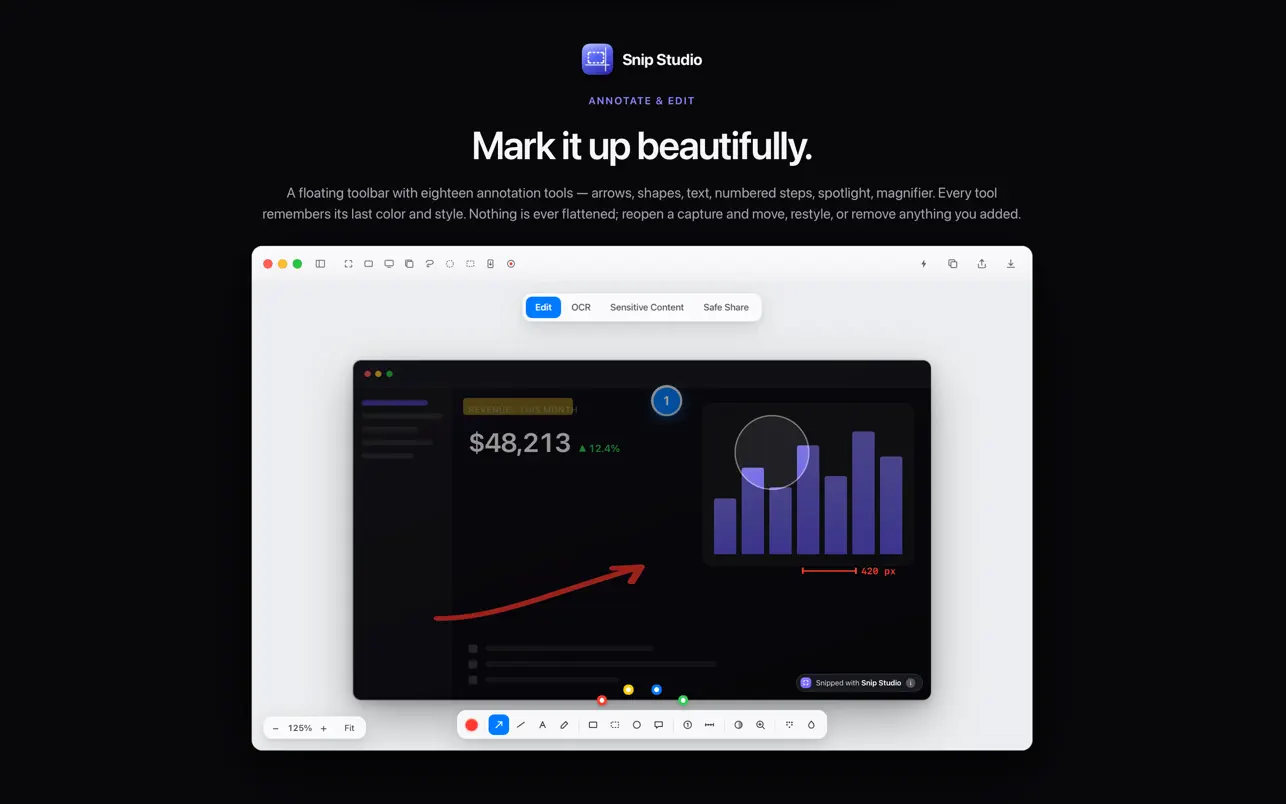
A complete screenshot workspace with precise markup, sensitive-content tools, screen recording, and a searchable on-device library.
View on the Mac App Store ↗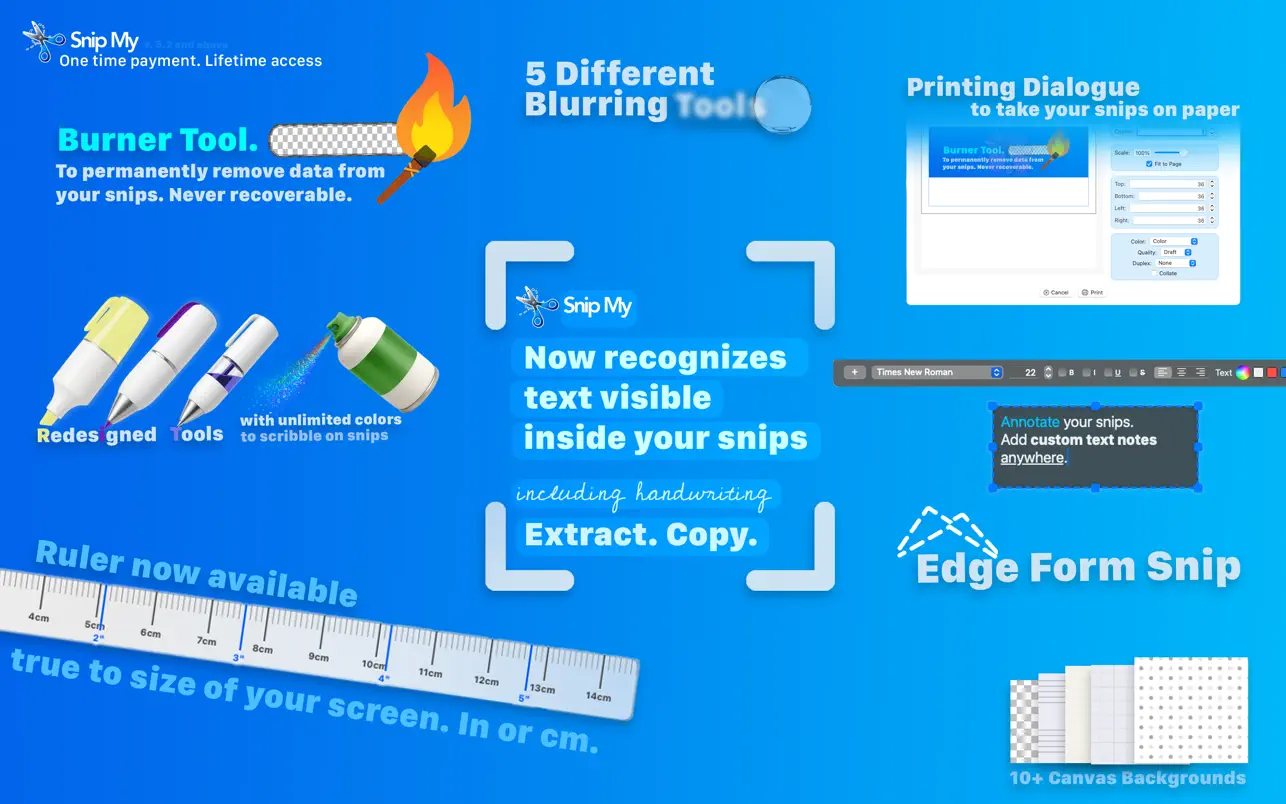
Choose the shape you need, add clear annotations, extract visible text, blur private details, and export in familiar formats.
View on the Mac App Store ↗Available for macOS · App Store pages open in a new tab